
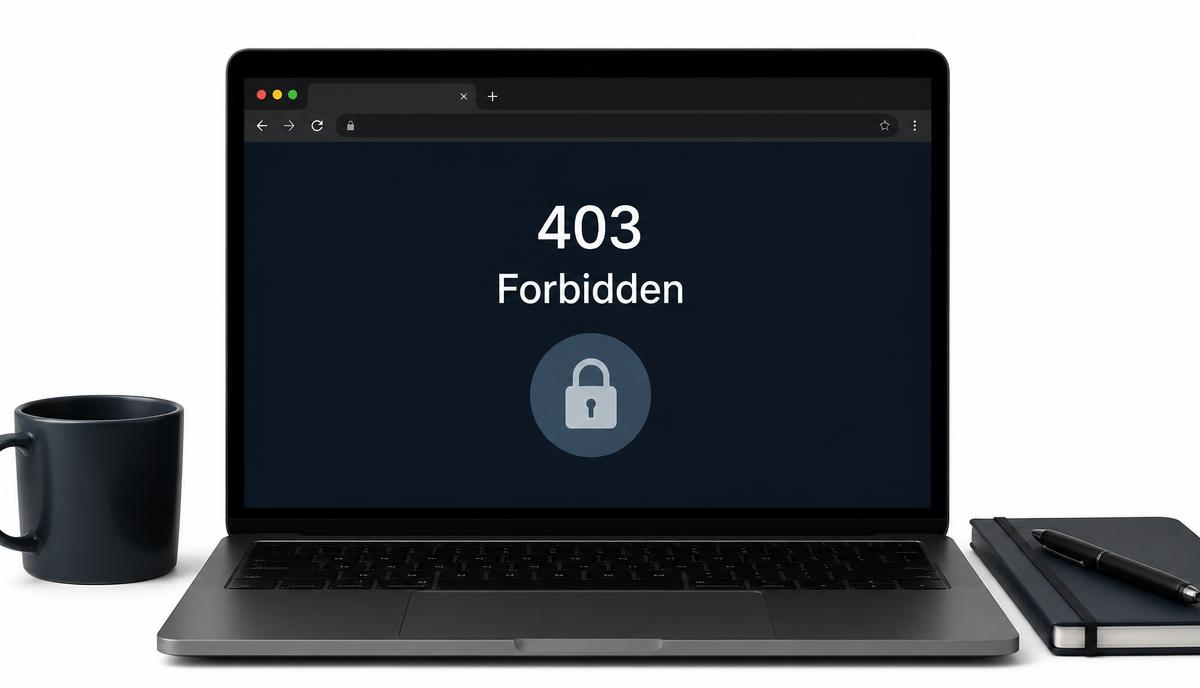
WordPress broke? Find the exact fix in minutes.

Describe what you're seeing, a blank page, a 500 error, a login that keeps refreshing, and we'll point to the cause and walk you through the fix. No accounts, no installs, just clear steps.

No sign-up Works in your browser Written for real people
12+
Years experience
1,400+
Sites recovered
17+
Published guides
500+
Monthly readers
Featured troubleshooting guides

The 6 WordPress Problems We Fix Most Often

Hand-picked, engineer-reviewed guides covering the errors that take real sites offline. Each one is structured the same way: likely cause, ordered fix, and what to do if it fails.

Diagnostic tools

Tools for the Errors That Take Sites Offline

Who writes WPRescue

Written by a Real WordPress Recovery Engineer

Arjun Mehta, lead author at WPRescue

Arjun Mehta

Lead author

WordPress recovery engineer, 12+ years rescuing broken sites

I have spent the last 12 years getting WordPress sites back online for agencies, small shops, and publishers you have probably read. Every guide on this site is something I have actually run on a real client site, usually under deadline.

  • 12+ years of live WordPress recovery
  • Contributor to Health Check & WP-CLI
  • Worked with two managed-hosting providers
  • Sites recovered across 14 countries
Read the full editorial story
Built to help

A Help-First WordPress Troubleshooting Platform

wprescue.online exists to get broken WordPress sites back online, for beginners who don't know where to start, and for developers who want a faster path than digging through forum threads.

Step-by-step verified fixes

Every tool and guide is structured the same way: likely cause, ordered steps, and a warning if the fix needs care. No vague advice.

Neutral, technical, honest

We don't sell hosting, we don't push affiliate plugins. If a problem needs a professional, we say so instead of stretching a guide.

For users and developers

plain English explanations for non-technical site owners, plus the actual config snippets and commands developers expect to see.

What readers say

Trusted by Site Owners, Developers, and Agencies

Real feedback from people who used a WPRescue guide or tool to get their WordPress site back online.

"My shop was down with a white screen the morning of a product launch. The WPRescue guide walked me through enabling debug mode and I found a bad plugin update in under 10 minutes. Saved my day."

Sarah Whitfield
Sarah Whitfield
Boutique owner, Manchester UK

"I use the .htaccess and wp-config snippets here as a reference for client recoveries. Cleanest, no-nonsense WordPress troubleshooting site I have bookmarked."

Daniel Okafor
Daniel Okafor
Freelance developer, Lagos

"I am not technical at all. The login redirect loop guide explained exactly which cookies to clear and which file to rename. Got back into wp-admin without calling my developer."

Priya Raman
Priya Raman
Content editor, Bangalore

"We point junior devs at WPRescue before they ping senior staff. The ordered-cause approach trains them to diagnose properly instead of guessing."

Marcus Heinrich
Marcus Heinrich
Agency lead, Berlin

"A 500 error took down our donation page. The guide here was the only one that mentioned the exact PHP memory limit fix that actually worked for our shared host."

Aisha Bello
Aisha Bello
Nonprofit site admin, Toronto

"Honest, ad-light, and no fake urgency. Felt like reading a guide from a friend who actually knows WordPress, not a marketing funnel."

Tomás Álvarez
Tomás Álvarez
Photographer, Barcelona